
Synology DS220+ Git Serverを入れてみる
今回は、Synology DS220+にGit Serverを入れてみるという話です。
何をするわけではないんですが、今更ながらなんか使ってみたいなーと思ったのでやってみます。
ベースの知識
まずはベースとなる知識について。
Gitとは
Git ServerというのはGitのサーバな訳だけど、そもそもGitとは、いわゆるバージョン管理システムの一つ。
例えば複数人で同じファイルを同時期に編集する場合、他の人がファイルオープンしてていじれなかったり、いじった後に内容がコンフリクトしたり、マージするのが大変だったり……と結構大変。
バージョン管理システムというものを使うと、そのあたりの大変なことを解決できたりする。さらにはバージョン管理というくらいなので過去のバージョンに戻したり、バージョンごとに内容を比較したりといろいろできたりする。
ということで、Gitというのはファイルのバージョンを管理してくれる仕組み。
Git Serverとは
いや使ったことないんですが……Gitのサーバということで、Gitで管理するファイルを置いておくためのサーバ。各クライアントはこのサーバを介して同じファイルを編集したり何だりする。たぶん。
手順
今回はSynology DS220+にGit Serverを入れてみようという試み。
Git Serverをインストール
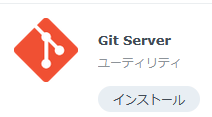
SynologyのNASにはGit Serverのパッケージが用意されているので、それをインストールする。
サーバの準備はこれでおしまい。簡単。
クライアントソフトをインストール
サーバだけじゃ意味ないので、クライアントソフトも入れる。こっちのほうが地味にいろいろ選んだりなんだりがある。
Information
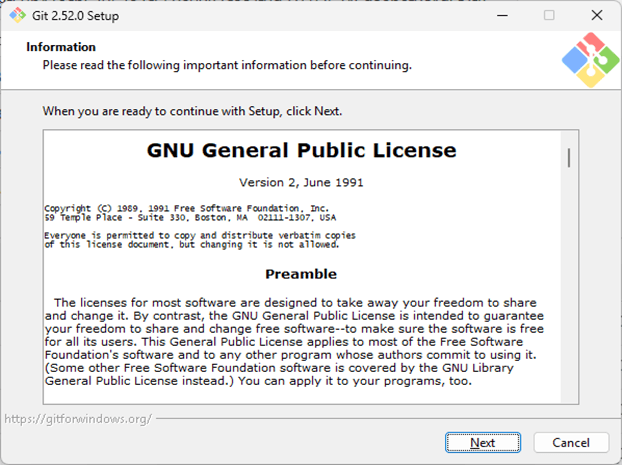
そのままNext。
Select Destination Location
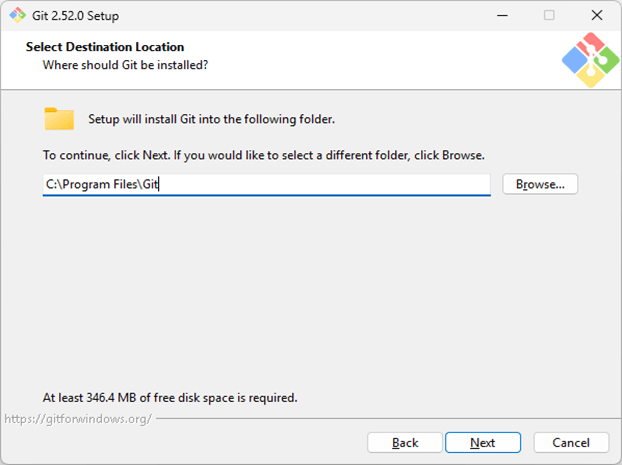
そのままNext。
Select Components
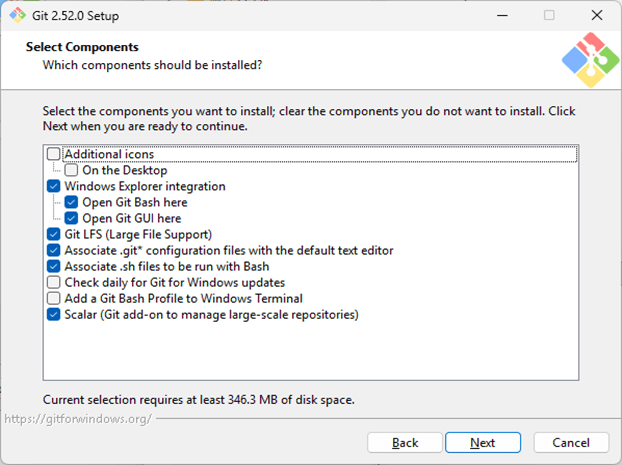
そのままNext。
Select Start Menu Folder
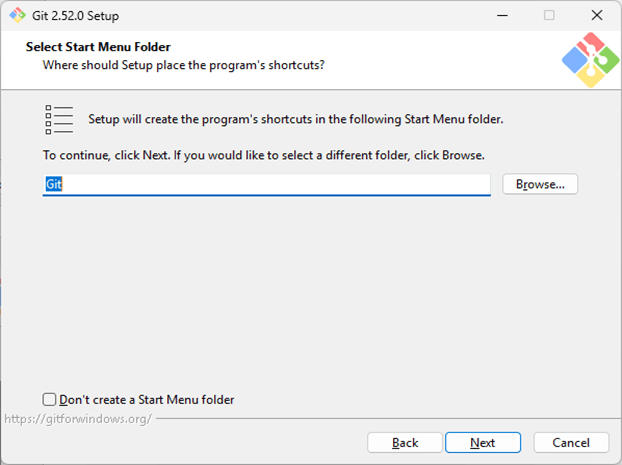
そのままNext。
Choosing the default editor used by Git
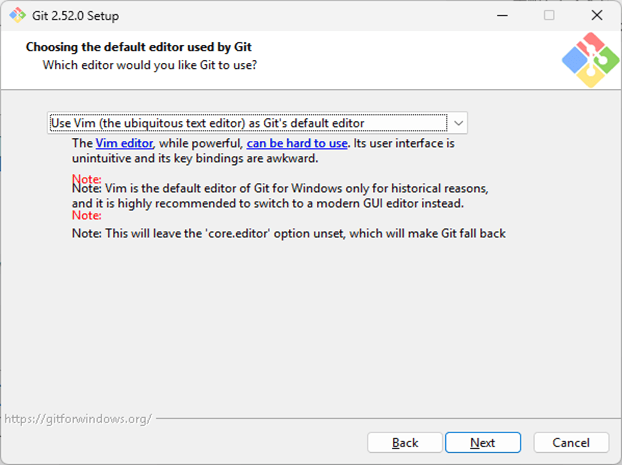
まあVimでいいか。モダンなGUIのエディタがお勧めって書いてるけど。
Adjusting the name of the initial branch in new repositories
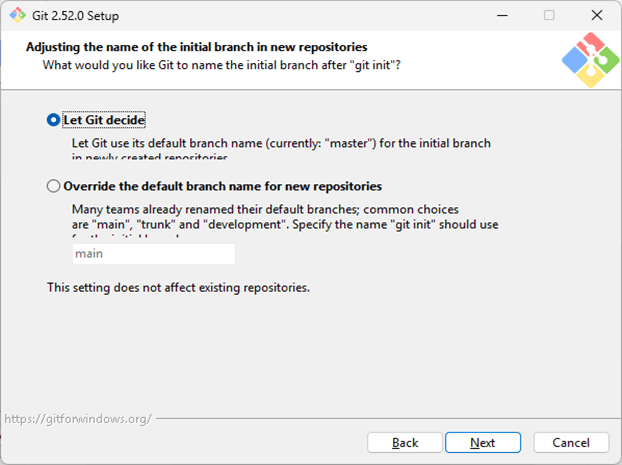
新規リポジトリ作成時、名前を自動で決めるか、自分で決めるか。まあ何でもいいけど、masterってどうなの?とは思っちゃう。使ったことないけど。
Adjusting your PATH environment
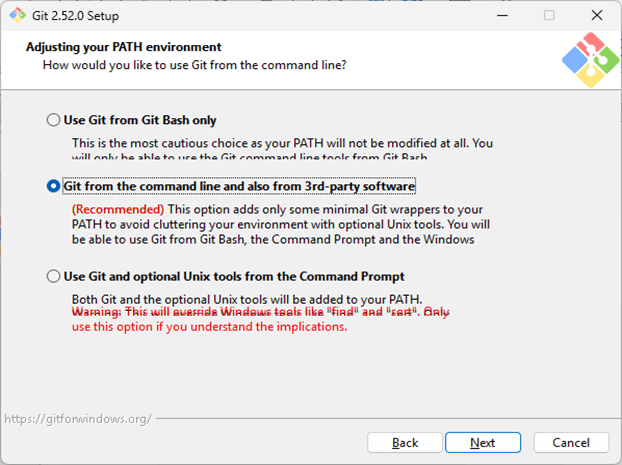
環境パス設定。コマンドラインから使いたいだろうし、なによりRecommendedなので!
Choosing the SSH executable
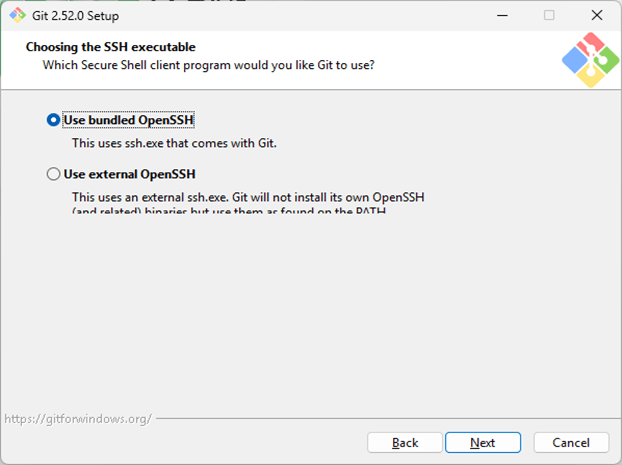
OpenSSHの設定。OpenSSHはいま使ってないし、バンドルのもので。
Choosing HTTPS transport backend
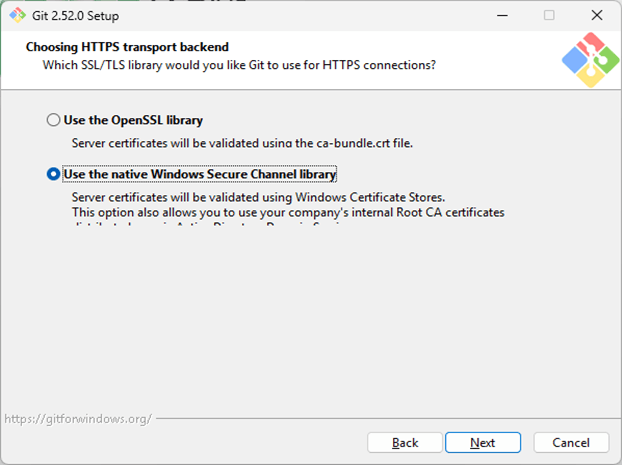
個人利用でこだわりがなければOpenSSL library。
Configuring the line ending conversions
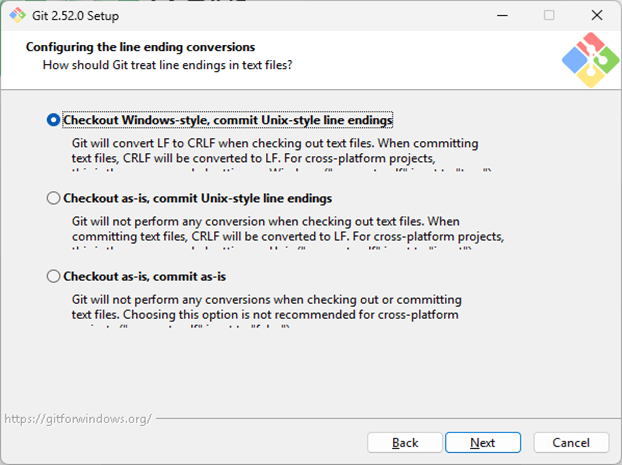
恐怖 改行コードの話。windowsで使うなら一番上?
Configuring the terminal emulator to use with Git Bash
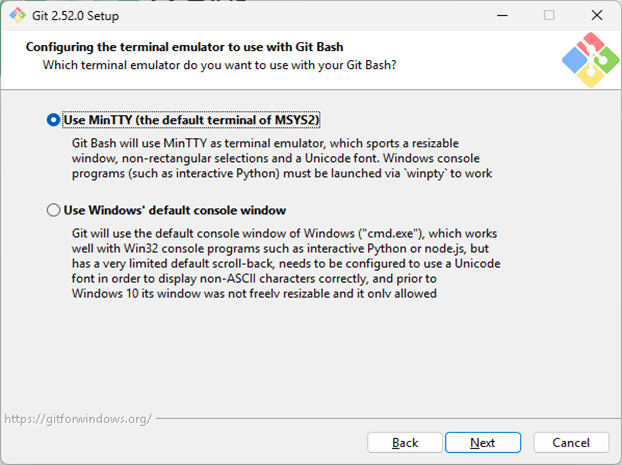
コマンドプロンプトってなんか嫌!なので上。
Choose the default behavior of 'git pull’
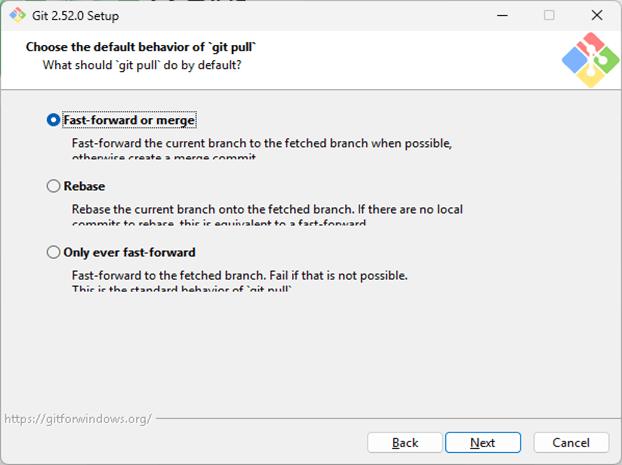
Git使ったことないけど、とりあえず上。
Choose a credential helper
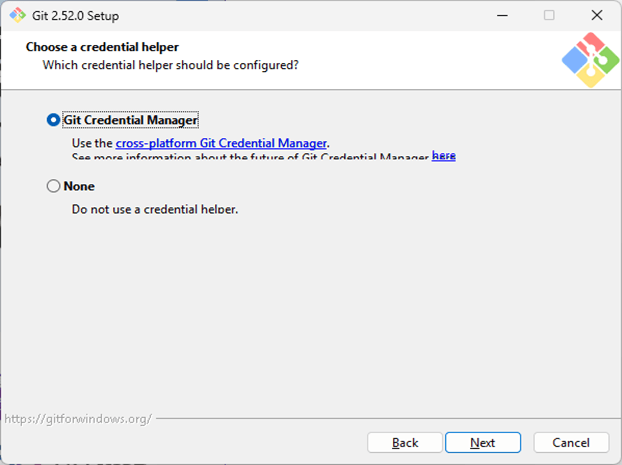
サーバにpushするときの認証の話みたい。個人利用ならNoneでもいいかもだけど、とりあえず上。
Configuring extra options
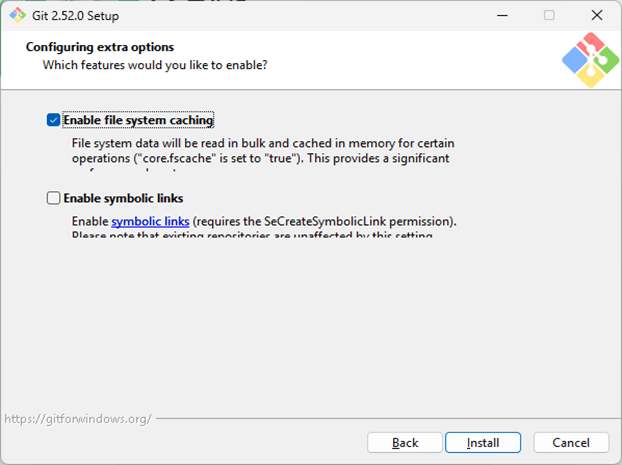
とりあえずデフォルトで。パフォーマンス上がるらしいし。
Completing the Git Setup Wizard
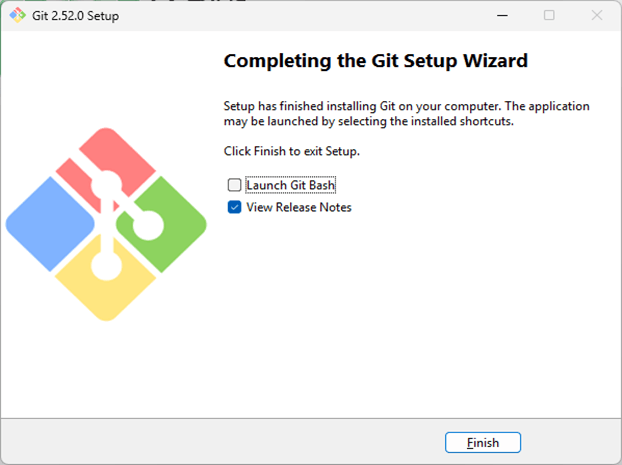
おしまい。めでたしめでたし。
まとめ
Synology DS220+にGit Serverを入れてみるという話でした。というかクライアントソフトのほうが長い。
とりあえず無事にインストールはできましたが、じゃあ使えるかというとどうでしょう。